
OGG to MP3 Converter
Turn OGG and Opus files, such as voice messages and game sounds, into MP3 in your browser.
Works in your browser. Your audio files are never uploaded.
or drop them anywhere in this box
WAV, MP3, M4A, OGG, FLAC and more, as many as you like. They never leave your device.
WAV is saved as 16-bit PCM at the original sample rate, so it plays and edits anywhere.
OGG to MP3 Converter at a glance
- Converts
- OGG, OGA and Opus to MP3
- MP3 quality
- 128, 192, 256 or 320 kbps
- Browsers
- Chrome, Edge, Firefox; Safari 18.4 and later
- Files uploaded
- None, it runs in your browser
How to use OGG to MP3 Converter
- Choose your OGG filesPress Choose audio files or drop your OGG, OGA or Opus files into the box.
- Pick the MP3 qualityMP3 is already selected. Use 128 kbps for voice messages, or 192 or 320 kbps for music.
- Download the MP3sPress play to listen, then Download MP3, or Download all (ZIP) for several files.
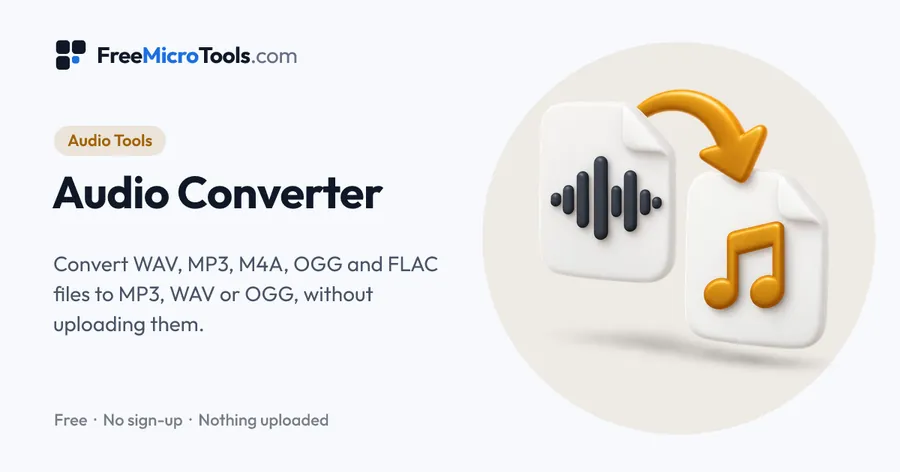
OGG files come from games, Android apps, open-source programs and voice messages, and many phones, cars and players will not open them. Drop your OGG or Opus files here and save them as MP3, which plays everywhere. Choose the quality, convert a whole folder at once, listen to each file and download them in a ZIP. The conversion runs in your browser, so nothing is uploaded.
How it works
OGG to MP3 Converter is a web page that does its work on your own device. The file you choose is opened by your browser, changed there and saved from there; it is never sent to a server, so there is no copy of it anywhere to delete, no queue and no waiting for an upload. Most online tools of this kind send your file to their servers and work on it there, and many keep it for a while. This one does not. There is no account, no watermark and no limit on how often you use it, and the result downloads the moment it is ready.
OGG, OGA and Opus
OGG is a container that usually holds Vorbis or Opus sound. Files ending in .ogg, .oga and .opus all open here, including voice messages saved from chat apps.
Which browsers open OGG files
Chrome, Edge and Firefox open OGG. Safari opens it from version 18.4 on iPhone, iPad and Mac; on an older iPhone, update iOS or convert the file on a computer.
Questions
How do I convert a WhatsApp voice message to MP3?
Save or export the voice message, which usually ends in .opus or .ogg, then choose it here and press Download MP3. 128 kbps is plenty for speech.
Why can my iPhone not open the OGG file?
Safari could not open OGG before version 18.4. Update to iOS 18.4 or later, or open this page on a computer in Chrome, Edge or Firefox.
Does OGG to MP3 lose quality?
Both formats are compressed, so converting adds a little loss. Choosing 192 or 320 kbps keeps music sounding the same to most listeners.
Are my files uploaded?
No. Your browser converts them on your own device and nothing is sent anywhere.
Other conversions
Audio Converter · WAV to MP3 Converter · MP3 to WAV Converter · M4A to MP3 Converter · FLAC to MP3 Converter · MP3 to OGG Converter
More
More Audio tools
See all →
Audio Trimmer and MP3 Cutter
Audio ToolsCut a song or recording to the part you want, with fades, and save it as MP3 or WAV.
BPM Finder
Audio ToolsFind the tempo of a song from its file, check it with a click track, or tap along to the beat.
Pitch Shifter
Audio ToolsRaise or lower the key of a song without changing its speed, and hear it before you save.