
Merge PDF
Combine PDF files into one, in the order you want, without uploading them.
Runs entirely in your browser. Your files are never uploaded.
or drop them anywhere in this box
Add as many as you like. They never leave your computer.
Drag files to change the order, or use the arrows.
Merge PDF at a glance
- Price
- Free
- Files uploaded
- None, it runs in your browser
- Sign-up
- Not needed
- Number of files
- No set limit
- Watermark
- None
- Works on
- Windows, Mac, iPhone and Android
How to use Merge PDF
- Choose your PDFsPress Choose PDF files or drop them into the box. Add as many as you need, and add more later with + Add more files.
- Put them in orderDrag a file up or down the list, or use the arrow buttons. The number beside each file is where it will appear.
- Merge and saveGive the combined file a name, then press Merge PDFs. The combined PDF downloads straight away.
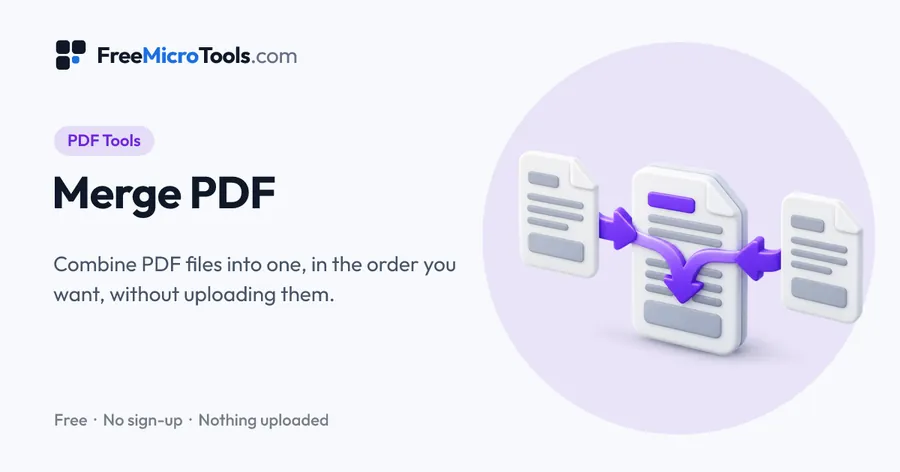
Add two or more PDF files, put them in the order you want, and download a single combined PDF. The merging happens inside your browser on your own computer, so your documents are never uploaded, never stored and never seen by anyone else. That makes it safe for contracts, invoices, statements and anything else you would not hand to a stranger's server.
How it works
Merge PDF is a web page that does its work on your own device. The file you choose is opened by your browser, changed there and saved from there; it is never sent to a server, so there is no copy of it anywhere to delete, no queue and no waiting for an upload. Most online tools of this kind send your file to their servers and work on it there, and many keep it for a while. This one does not. There is no account, no watermark and no limit on how often you use it, and the result downloads the moment it is ready.
Also known as
Every file shows its page count and size, so you can check you have the right documents before you combine them. A file that cannot be merged is marked in red and left out.
Why your PDFs are never uploaded
Most online tools that combine PDF files send your documents to their servers, process them there, and promise to delete them afterwards. This one does the work inside your browser, on your own computer or phone. Your files never travel anywhere, so there is nothing to intercept, store or leak — which matters when the documents are contracts, bank statements, invoices or anything with personal details in them.
It also means merging is quick even on a slow connection: there is no upload waiting in front of the work.
What stays the same, and what does not
Pages are copied exactly as they are. Text stays sharp, selectable and searchable, images keep their quality, and page sizes are kept — you can combine A4, US Letter and landscape pages in one document.
A few things do not survive, and it is better to know before you rely on it:
- Bookmarks (the outline panel in a PDF reader) are not carried over.
- Fillable form fields may stop being fillable. Fill forms in before you merge them.
- Digital signatures will show as invalid, because the document has been changed.
- Password-protected files cannot be combined until the password is removed.
Merging on a phone
It works in Safari on iPhone and in Chrome on Android. Pick files from Files, iCloud Drive or your downloads, reorder them with the arrow buttons, and the combined PDF saves where your browser keeps downloads. Very large batches of scanned documents are limited by a phone's memory, so for those a computer is the safer choice.
What it does
- Combine as many PDF files as you like into one document
- Drag files into the right order, or use the arrow buttons on a phone
- See the page count and size of every file before you merge
- Name the combined file before you download it
- Keeps bookmarks, page links and fillable form fields, with a bookmark for each file
- Stores shared fonts and images once, so the merged file is often smaller than the files combined
- Your files never leave your device - nothing is uploaded or stored
- Works on Windows, Mac, iPhone and Android with no app or sign-up
Questions
Are my PDF files uploaded anywhere?
No. The files are combined by your own browser on your own device. They are never sent to our server or anyone else's, which is different from most online PDF sites that upload your files to process them.
How do I merge PDF files?
Choose or drop your PDF files into the box, drag them into the order you want, and press Merge PDFs. The combined PDF downloads straight away.
Is there a limit on how many files or pages?
There is no set limit. Because the work happens on your own device, very large jobs are limited by its memory: dozens of ordinary documents are fine, but a few hundred large scanned files at once may be too much for a phone.
Can I merge password-protected PDFs?
Not until the password protection is removed. A protected file will be marked in the list so you know which one it is.
Will the text still be searchable and sharp?
Yes. Pages are copied exactly as they are, not turned into images, so text stays selectable and searchable and nothing loses quality.
Are bookmarks, links and form fields kept?
Yes. Each file gets its own bookmark in the merged PDF, with that file's bookmarks inside it, links that jump to another page still go to the right page, and form fields stay fillable (a field whose name is already used gets a number added so both keep their values). Digital signatures will no longer be valid, because the document has changed.
Why is the merged PDF smaller than the files added together?
Files made by the same app often contain the same fonts and images. The merged PDF stores each of those once and trims fonts down to the characters used, without changing how anything looks.
Can I merge PDFs on my phone?
Yes. It works in Safari on iPhone and Chrome on Android. Use the arrow buttons to change the order, since dragging is awkward on a small screen.
Is it free?
Yes, completely free, with no sign-up, no watermark and no limit on use.
More
More PDF tools
See all →
Compress PDF
PDF ToolsReduce PDF file size without uploading it anywhere.

Split PDF
PDF ToolsExtract pages or split a PDF into separate files, without uploading it.
Sign PDF
PDF ToolsDraw, type or upload your signature and place it on any page of a PDF, with the date and initials.