
Online Signature Generator
Draw, type or photograph your signature and download it as a transparent PNG.
Runs entirely in your browser. Your files are never uploaded.
Sign in dark ink on plain white paper and take the photo in good light, straight on. It never leaves your device.
Your signature
It appears here as you make it.
Online Signature Generator at a glance
- Price
- Free
- Files uploaded
- None, it runs in your browser
- Sign-up
- Not needed
- Ways to make it
- Draw, type, or clean up a photo
- Saves
- Transparent PNG, or JPG on white
- Watermark
- None
How to use Online Signature Generator
- Choose how to make itPick Drawing, Typing or A photo.
- Make your signatureSign in the box, or type your name and choose a style, or choose a photo of your signature and move the Cleaning slider until only the ink is left. Pick the ink colour.
- DownloadChoose the height, then press Download PNG (transparent), or JPG on white.
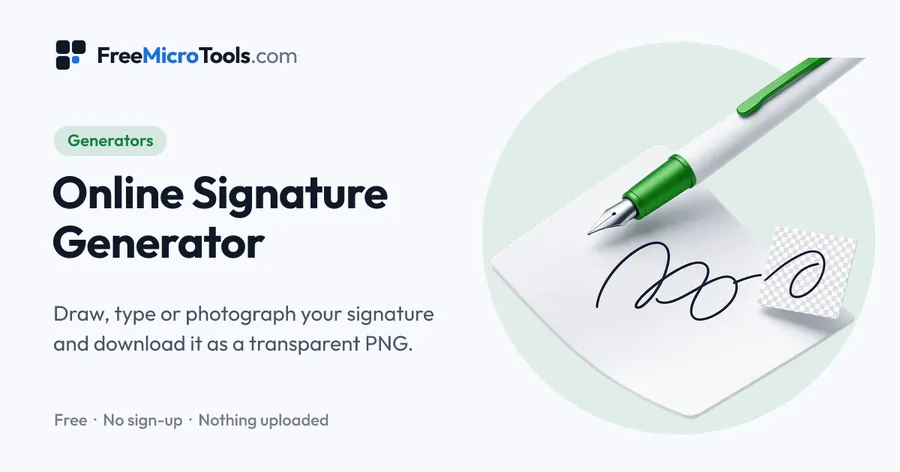
Make an image of your signature three ways: draw it with a mouse, finger or stylus, type your name and pick one of four handwriting styles, or take a photo of the signature you wrote on paper and let the tool lift it off the page. Choose black or blue ink, or any colour, and the height you need, then download a PNG with a transparent background for documents, forms and email, or a JPG on white. Everything is made in your browser, so nothing is uploaded.
How it works
Online Signature Generator is a web page that does its work on your own device. The file you choose is opened by your browser, changed there and saved from there; it is never sent to a server, so there is no copy of it anywhere to delete, no queue and no waiting for an upload. Most online tools of this kind send your file to their servers and work on it there, and many keep it for a while. This one does not. There is no account, no watermark and no limit on how often you use it, and the result downloads the moment it is ready.
Straight to one job
Three ways to make a signature
- Drawing is the most personal. On a phone or tablet, sign with your finger or a stylus; with a mouse, go slowly. The line thins where the pen moves fast and thickens where it slows, the way ink does, and Undo takes back the last stroke.
- Typing gives a tidy signature in seconds from one of four handwriting styles. It suits forms and letters where a neat mark is enough, but anyone who types your name in the same style gets the same result.
- A photo keeps your real signature exactly as you write it. Sign on white paper, photograph it, and the paper is taken away so only the ink remains.
Using the signature
The transparent PNG sits on top of whatever it is placed on, so it works on coloured letterheads, scanned forms and slides without a white box. Word, Google Docs and most PDF editors take it with Insert, Picture. For email, save it at 100 pixels high and add it in your mail program's signature settings. To put a signature straight onto a PDF, with the date and your initials, use Sign PDF.
What a signature image is, and is not
An image of a signature records what your signature looks like, not who placed it or when. Many everyday documents accept it, and in the United States the ESIGN Act gives electronic signatures the same effect as ink ones for most transactions. Some documents, such as wills and certain court and property papers, need a wet-ink or certified digital signature. When it matters, check what the other party accepts.
What it does
- Draw with a mouse, finger or stylus: strokes get thinner as the pen moves faster, like real ink
- Or type your name in four handwriting styles
- Or photograph a signature on paper: the paper is removed and the ink kept
- Black, blue, dark blue or any ink colour
- Transparent PNG, or JPG on a white background
- Full size, 400, 200 or 100 pixels high for email signatures
- Undo, clear and pen thickness
- Nothing is uploaded
Questions
Is my signature uploaded?
No. Your signature is drawn, typed or cleaned up by your browser on your own device and is never sent to us or to anyone else. Nothing is stored after you close the page.
How do I make a signature with a transparent background?
Make it any of the three ways and press Download PNG (transparent). Everything around the ink is see-through, so the signature sits on top of a document, a form or an email without a white box around it.
How do I turn a photo of my signature into an image?
Sign in dark ink on plain white paper, take a photo in good light, straight on, and choose it under A photo. The tool reads the colour of the paper from the edges of the photo and removes it. If faint marks remain, move the Cleaning slider to the right; if parts of the signature fade, move it to the left.
Is a signature image legally binding?
A picture of a signature is just a picture. Whether an electronic signature binds you depends on the law where you are and what the document is; in the United States the ESIGN Act allows electronic signatures for most transactions, with exceptions such as wills. To sign a PDF itself, use Sign PDF.
What size should an email signature image be?
About 100 pixels high suits most email signatures, and keeps the file small. Choose 100 px under Height.
Can I use the typed styles for a real signature?
The four styles are handwriting fonts, so a typed signature looks the same for everyone who types that name. A drawn signature, or a photo of your own, is personal to you.
Is it free?
Yes, completely free, with no sign-up, no watermark and no limit.
More
More generators
See all →
Favicon Generator
GeneratorsMake every favicon size and the web app manifest from one image, in a ZIP.

UUID Generator
GeneratorsUUIDs of version 4, 7 or 5, one or a thousand, in the format your code wants.

Podcast Name Generator
GeneratorsA dozen podcast names at a time, built from what your show is about, in the tone you want.