
Flatten PDF
Make a filled form's answers permanent, so they show the same everywhere and cannot be changed.
Runs entirely in your browser. Your files are never uploaded.
or drop it anywhere in this box
It never leaves your computer.
Flatten PDF at a glance
- Price
- Free
- Files uploaded
- None, it runs in your browser
- Sign-up
- Not needed
- Fields
- Text, checkbox, radio, drop-down, list
- Output
- Filled PDF, editable or flattened
- Password
- Opened with it on your device
How to use Flatten PDF
- Open the formPress Choose a PDF form or drop the form into the box. The pages appear with the fields outlined in blue; a locked form asks for its password here.
- Fill it inClick a field and type, tick the boxes and choose from the lists. Press Tab or Enter to move to the next field, or Next empty field to jump to one you missed.
- DownloadTick Flatten if the answers must not be changed later, then press Download filled PDF.
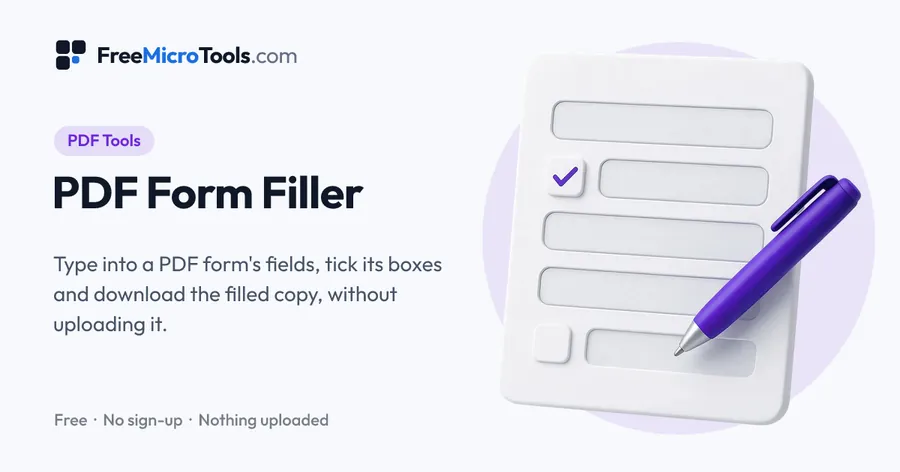
A filled form keeps its answers in editable fields, which some readers show empty, print blank, or let anyone change. Flattening turns the fields into ordinary page content: the answers become part of the page, display and print the same in every reader, and cannot be edited or cleared. Open the form here, check or add any answers, and download; Flatten is already ticked. Everything happens on your device.
How it works
Flatten PDF is a web page that does its work on your own device. The file you choose is opened by your browser, changed there and saved from there; it is never sent to a server, so there is no copy of it anywhere to delete, no queue and no waiting for an upload. Most online tools of this kind send your file to their servers and work on it there, and many keep it for a while. This one does not. There is no account, no watermark and no limit on how often you use it, and the result downloads the moment it is ready.
When to flatten
Before submitting a form, emailing a completed application, or attaching a form to a record, so what you see is exactly what the other side gets. Keep the unflattened copy if you may need to change an answer later.
Questions
Can a flattened PDF be unflattened?
No. The fields are gone and the answers are drawn on the page like printed text. Keep the original if you may need to edit it.
Other shortcuts
PDF Form Filler · Fill PDF Form
More
More PDF tools
See all →
Merge PDF
PDF ToolsCombine PDF files into one, in the order you want, without uploading them.

Compress PDF
PDF ToolsReduce PDF file size without uploading it anywhere.

Split PDF
PDF ToolsExtract pages or split a PDF into separate files, without uploading it.