
Trim PDF Margins
Cut the white space off every page of a scan or printout so it fills the screen.
Runs entirely in your browser. Your files are never uploaded.
or drop it anywhere in this box
It never leaves your computer.
Cropping changes which part of each page is shown and printed. The rest of the page stays inside the file and can be brought back by another program, so this is not a way to remove private content.
Trim PDF Margins at a glance
- Price
- Free
- Files uploaded
- None, it runs in your browser
- Sign-up
- Not needed
- Ways to crop
- Trim white margins automatically, or draw the box
- Pages
- All, odd, even or the page shown
- Quality
- Unchanged, nothing is re-compressed
How to use Trim PDF Margins
- Choose your PDFPress Choose a PDF file or drop the PDF into the box. It opens in your browser and is not uploaded.
- Choose the cropLeave Trim the white margins selected and set the space to keep, or choose Draw the crop myself and drag the box on the page. Use the arrows to look at other pages.
- Crop and savePress Crop PDF. The cropped file downloads; your original is not changed.
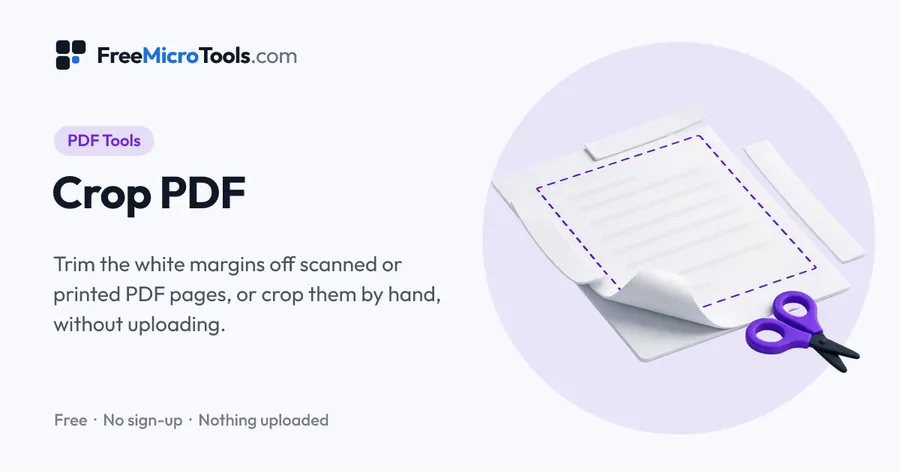
Wide margins that suit paper waste half the screen on a phone or an e-reader. Drop the PDF in and the tool measures every page, finds the printed area and crops to it, leaving the few millimetres you choose. Keep Same crop on every page on and the whole document stays one size. Pages are cropped rather than redrawn, so text stays sharp and searchable. The PDF never leaves your browser.
How it works
Trim PDF Margins is a web page that does its work on your own device. The file you choose is opened by your browser, changed there and saved from there; it is never sent to a server, so there is no copy of it anywhere to delete, no queue and no waiting for an upload. Most online tools of this kind send your file to their servers and work on it there, and many keep it for a while. This one does not. There is no account, no watermark and no limit on how often you use it, and the result downloads the moment it is ready.
When the trim keeps too much
The trim keeps everything that is printed, including page numbers, headers and scanner shadows along the edge. If those hold the crop open, switch to Draw the crop myself on the same page and place the box inside them; Odd pages and Even pages handle a binding margin that swaps sides.
Questions
Does trimming margins make the file smaller?
Hardly at all. The margins are empty, so there is little to remove, and the cropped part stays inside the file. To make a PDF smaller, use Compress PDF.
Other crops
More
More PDF tools
See all →
Merge PDF
PDF ToolsCombine PDF files into one, in the order you want, without uploading them.

Compress PDF
PDF ToolsReduce PDF file size without uploading it anywhere.
Split PDF
PDF ToolsExtract pages or split a PDF into separate files, without uploading it.