
Protect PDF
Add a password so a PDF can only be opened by people you share it with, without uploading it.
Runs entirely in your browser. Your files are never uploaded.
or drop it anywhere in this box
It never leaves your computer, and neither does the password.
This PDF already has a password. Type it so the file can be protected afresh.
Anyone who opens the file is asked for this. Leave it empty to let anyone open it but still limit what they can do.
Needed only when something above is unticked. Keep it different from the opening password. Left empty, a random one is used and the limits cannot be lifted later.
Keep the password somewhere safe. There is no way to recover it from the file: without it, the PDF cannot be opened by anyone, including us.
Protect PDF at a glance
- Price
- Free
- Files uploaded
- None, it runs in your browser
- Sign-up
- Not needed
- Encryption
- AES-256, or AES-128 for old readers
- Limits
- Printing, copying, editing
- Keeps
- Text, pictures, links, bookmarks, form fields
How to use Protect PDF
- Choose your PDFPress Choose a PDF file or drop the PDF into the box. It stays on your device.
- Set the password and the limitsType the password readers will need to open it, untick anything they should not be able to do, and add a different permissions password if you set limits.
- Protect and savePress Protect PDF. The protected copy downloads; your original is not changed.
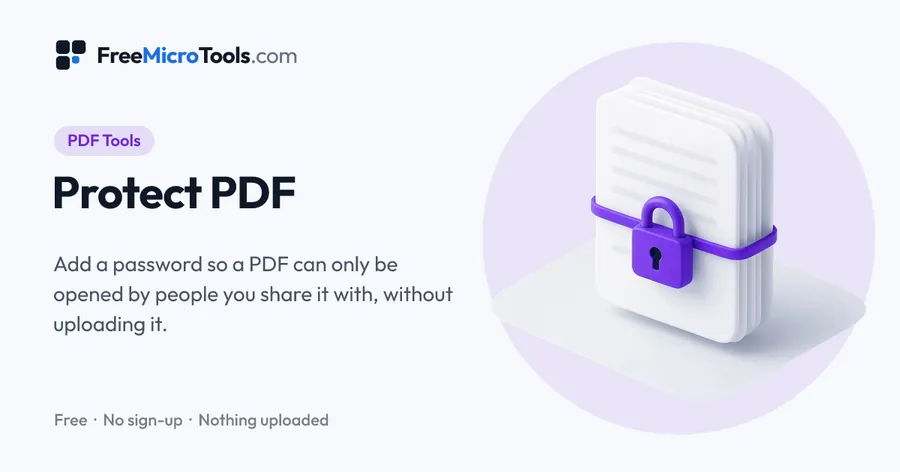
Drop in a PDF, choose a password that anyone opening it will have to type, and decide what readers may do: print, copy text and pictures, or edit and fill in forms. The file is encrypted on your own device with AES-256, the strongest encryption PDF readers support, or AES-128 for readers older than 2010, and saved as a new copy. You can also leave the file openable by anyone and only set the limits. Neither the PDF nor the password is ever sent anywhere.
How it works
Protect PDF is a web page that does its work on your own device. The file you choose is opened by your browser, changed there and saved from there; it is never sent to a server, so there is no copy of it anywhere to delete, no queue and no waiting for an upload. Most online tools of this kind send your file to their servers and work on it there, and many keep it for a while. This one does not. There is no account, no watermark and no limit on how often you use it, and the result downloads the moment it is ready.
Straight to one job
Opening passwords and permissions
A PDF can carry two passwords. The opening password is the one that matters: without it the file cannot be read, because every page is encrypted. The permissions password controls what readers may do once the file is open, such as printing or copying text, and it is checked by PDF readers rather than enforced by encryption, so treat limits as a polite request rather than a wall. A reader that ignores the rules, or a tool like our Unlock PDF, can lift them. If a document must stay private, give it an opening password.
Choosing the encryption
AES-256 is the strongest PDF readers support and the right choice for anything shared today; Adobe Reader has opened it since version X (2010), and every current reader does. Choose AES-128 only if the file is going to someone with an old reader that rejects AES-256. Both are standard PDF encryption, so no special software is needed to open the file, only the password.
Choosing a password
The encryption is only as strong as the password. A short word can be guessed by a program in minutes; a sentence of four or five unrelated words, or a long random password from our Password Generator, cannot. Send the password by a different route from the file, for example a message rather than the same email, and keep a copy yourself: there is no way to recover it from the file.
What this tool does not do
- It does not add a digital signature or a certificate; it encrypts with a password.
- It does not stop someone who knows the password from sharing the file or the password.
- It does not watermark or redact pages. Add Watermark to PDF marks pages; redaction needs a dedicated editor.
What it does
- A password to open the PDF, encrypted with AES-256 or AES-128
- Allow or block printing, copying and editing, with a separate permissions password
- Protect a PDF that is already locked, once you type its current password
- Pages, text, links, bookmarks and form fields kept exactly as they were
- Shows what the saved file will and will not allow before you save
- The file and the passwords never leave your device
Questions
Is my PDF or my password uploaded?
No. The PDF is encrypted by a program that runs inside your browser on your own device. Neither the file nor the passwords are sent to us or to anyone else, and nothing is stored.
How do I password protect a PDF?
Drop the PDF in, type the password readers will need under Password to open the PDF, and press Protect PDF. The protected copy downloads; send it, and send the password separately.
Can I stop people printing or copying without a password to open?
Yes. Leave the opening password empty, untick Print, Copy or Edit, and set a permissions password. The PDF opens freely, and readers obey the limits. Those limits are enforced by PDF readers rather than by encryption, so they deter rather than prevent.
AES-256 or AES-128?
AES-256 is stronger and is read by every current PDF reader, including Adobe Reader from version X (2010). Choose AES-128 only if the file must open in a reader older than that.
What if I forget the password?
The file cannot be opened by anyone, including us, because the password is not stored anywhere and the encryption cannot be undone without it. Keep a copy of the password, and keep your unprotected original.
Can I protect a PDF that already has a password?
Yes. Type its current password when the tool asks, then set the new password and limits. The file is decrypted and encrypted afresh on your device.
Does protecting change the pages?
No. Pages, text, pictures, links, bookmarks and form fields are copied exactly as they are; only the encryption is added.
Is it free?
Yes, completely free, with no sign-up, no watermark and no limit.
More
More PDF tools
See all →
Merge PDF
PDF ToolsCombine PDF files into one, in the order you want, without uploading them.

Compress PDF
PDF ToolsReduce PDF file size without uploading it anywhere.

Split PDF
PDF ToolsExtract pages or split a PDF into separate files, without uploading it.