
Password Strength Checker
See how long your password would survive a real attack, checked on your own device.
Works in your browser. Your password is never sent, saved or counted.
Checked on this device only. The password is never sent anywhere, saved or counted.
Time to crack it
How to make it stronger
What was found
Need a strong one? The Password Generator makes random passwords and memorable passphrases.
Password Strength Checker at a glance
- Price
- Free
- Password uploaded
- Never, it stays in your browser
- Checks against
- Common passwords, words, names, patterns and dates
- Shows
- Time to crack in four situations
- Stored
- Nothing, not even a count of what you typed
- Works offline
- Yes, once the page has loaded
How to use Password Strength Checker
- Type the passwordPut it in the box. It stays on your device; nothing is sent anywhere.
- Read the verdictThe bar and the wording show how strong it is, and the four times show how long cracking would take.
- Fix what is weakFollow the advice, or make a new one with the Password Generator and keep it in a password manager.
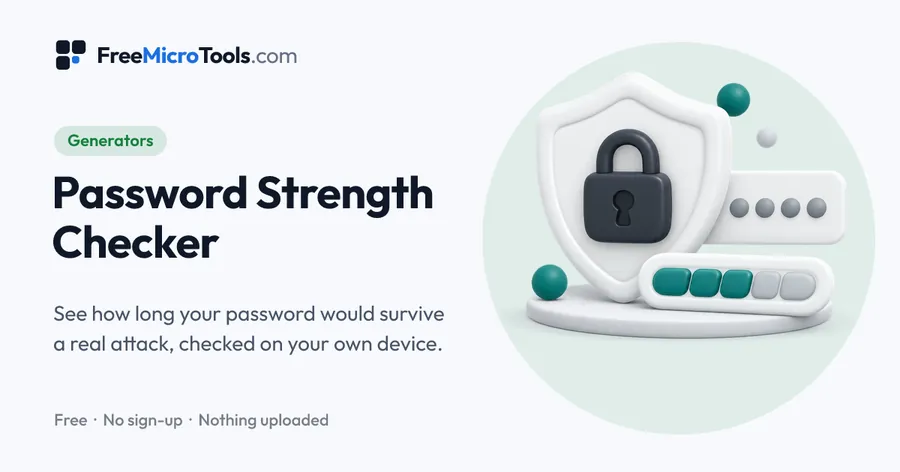
Type a password and see what an attacker would see: how many guesses it would take, how long that is on a laptop or a cracking rig, and exactly which parts give it away. The check knows common passwords, dictionary words, names, keyboard runs like qwerty, dates, repeats and look-alike swaps such as @ for a, so Pa55word! is treated as the weak password it is rather than a strong one because it has a capital, a number and a symbol. You get plain advice on what to change, and the four time estimates cover both a website that limits attempts and a stolen password list on fast hardware. Everything runs inside your browser, so the password never leaves your device.
How it works
Password Strength Checker is a web page that does its work on your own device. Everything you type or choose is worked out by your browser and never sent to a server, so nothing is stored and there is nothing to delete. There is no account, no sign-up and no limit on how often you use it.
What the five levels mean
| Level | Guesses needed | Good enough for |
|---|---|---|
| Very weak | Under 1,000 | Nothing |
| Weak | Under 1 million | Nothing that matters |
| Fair | Under 100 million | A throwaway account |
| Strong | Under 10 billion | Everyday accounts |
| Very strong | More than 10 billion | Email, banking, work |
Why character rules do not make passwords strong
Rules that demand a capital, a number and a symbol push everyone towards the same shapes: a capital at the start, a number and an exclamation mark at the end, and letters swapped for look-alikes. Guessing programs have tried those for years. The two things that actually help are length and unpredictability, which is why a passphrase of four or five random words beats a short password full of symbols, and is easier to type on a phone.
What to do with a weak password
Change it wherever you have used it, starting with your email account, because that is where password resets for everything else arrive. Use a different password for every site, keep them in a password manager or your browser's built-in one, and switch on two-step sign-in where it is offered: that protects the account even if the password is stolen.
What it does
- Time to crack for four real attack situations, not a vague score
- Finds common passwords, words, names, keyboard patterns, dates and repeats
- Sees through look-alike swaps (@ for a, 3 for e) and backwards spellings
- Shows which part of the password is the weak one
- Plain advice on what to change, based on what was found
- Show and hide the password, with the breakdown hidden until you show it
- Nothing is uploaded, stored or counted
Questions
Is it safe to type my password here?
The check runs inside your browser: the password is never sent to us, never stored, and not even counted. You can disconnect from the internet after the page loads and it still works. Even so, the safest habit is to test a password of the same pattern rather than one you already use, and to change any password a checker rates as weak.
How is the time to crack worked out?
The password is broken into the pieces an attacker would recognise: common passwords, dictionary words, names, keyboard runs, dates and repeats. Each piece costs a certain number of guesses, and the total is divided by the speed of four attacks, from a website that allows about 100 tries an hour to a cracking rig doing ten billion guesses a second against a stolen list.
Why is Pa55word! rated weak when it has a capital, a number and a symbol?
Because guessing programs try those tricks first. They know the common passwords, and they try look-alike swaps such as 5 for s and @ for a, a capital at the start and a symbol at the end. Length and unpredictability matter far more than which character types you use.
How long should a password be?
The US National Institute of Standards and Technology says verifiers shall require passwords used on their own to be at least 15 characters, should allow at least 64, and shall not impose rules about mixing character types or force regular changes. Four or five random words make a long password that is easy to type and hard to guess.
Does it check whether my password was in a data breach?
No. Checking that means sending part of your password's fingerprint to another company, and this tool sends nothing at all. It does recognise passwords that appear on the well-known lists of common and leaked passwords, which covers the ones attackers try first.
What do the five bars mean?
They follow the number of guesses needed: very weak is under a thousand, weak under a million, fair under a hundred million, strong under ten billion, and very strong above that. Aim for the top two for anything that matters.
Should I change my passwords every few months?
Current guidance says no: regular changes push people towards small, predictable edits. Change a password when there is a reason, such as a breach at that service, or a weak password like the ones flagged here.
Is it free?
Yes, completely free, with no sign-up and no limit.
More
More generators
See all →
Favicon Generator
GeneratorsMake every favicon size and the web app manifest from one image, in a ZIP.
UUID Generator
GeneratorsUUIDs of version 4, 7 or 5, one or a thousand, in the format your code wants.
Online Signature Generator
GeneratorsDraw, type or photograph your signature and download it as a transparent PNG.