
1 Minute Timer
Sixty seconds, ready to start, with an alarm.
Works in your browser. Nothing is sent to us.
Keys: Space starts and stops, L records a lap, R resets. It keeps time while the tab is in the background and after a reload.
Laps
| Lap | Lap time | Total |
|---|
1 Minute Timer at a glance
- Price
- Free
- Data sent to us
- None, it runs in your browser
- Sign-up
- Not needed
- Stopwatch
- Hundredths of a second, laps
- Timer
- Up to 99 hours, with an alarm
- Also
- Full screen, keyboard keys
How to use 1 Minute Timer
- Pick stopwatch or timerStopwatch counts up; Timer counts down from the time you set.
- Press StartFor the timer, set the time or tap a quick time first. Press Lap on the stopwatch to record a lap.
- Stop or let it ringPress Stop or Pause at any time, and Reset to start again. The timer beeps when the time is up.
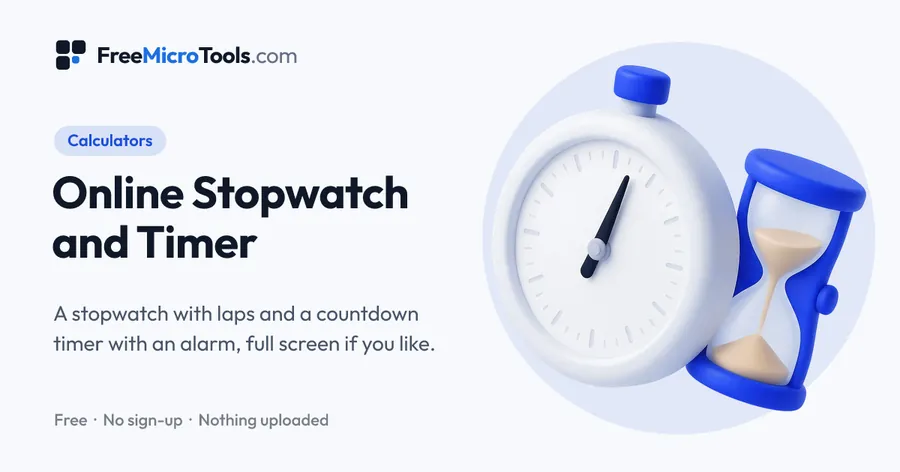
The timer is set to 1:00. Press Start, or the Space key, and it counts down the seconds; at zero it flashes and beeps. Press Reset and Start for another minute.
How it works
1 Minute Timer is a web page that does its work on your own device. Everything you type or choose is worked out by your browser and never sent to a server, so nothing is stored and there is nothing to delete. There is no account, no sign-up and no limit on how often you use it.
One-minute uses
A minute-to-win-it game, a one-minute speech, a quick exercise set or a timed quiz question.
Other shortcuts
Online Stopwatch and Timer · Countdown Timer · 5 Minute Timer · 10 Minute Timer
More
More calculators
See all →
Roof Pitch Calculator
CalculatorsTurn a rise and run, an angle or a pitch into every other form, with rafter length and roof area.

Concrete Calculator
CalculatorsCubic yards, cubic metres and bags of mix for a slab, footing, column, wall or steps, with waste.
Deck Material Calculator
CalculatorsA materials list for the deck surface: boards, joists, fixings and fascia, with waste.