
UPI QR Code Generator
A UPI payment QR code with your UPI ID, name and amount, free and permanent.
Works in your browser. Nothing you type is sent to us.
Colours, size and error correction
Your QR code will appear here as you type.
Scan it with your own phone before you print or share it.
UPI QR Code Generator at a glance
- Price
- Free
- Details in the code
- UPI ID, name, amount, note
- Expiry
- Never
- Downloads
- PNG and SVG
- Data sent to us
- None, it runs in your browser
How to use UPI QR Code Generator
- Enter your UPI IDUPI is already selected. Type your UPI ID, such as name@bank, and the name payers should see.
- Add an amount if you wantType a fixed amount in ₹ and a note, or leave them empty so each payer types the amount.
- Download and testPress Download PNG or Download SVG, then scan the code with your own UPI app to check the name before printing.
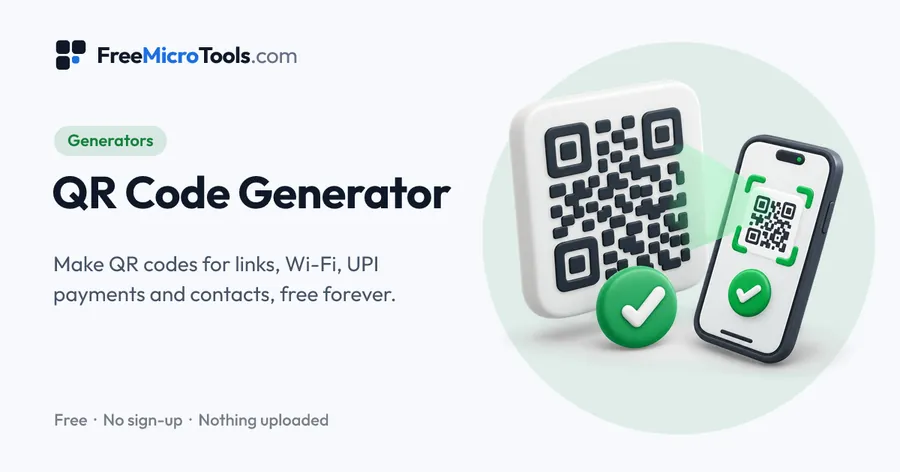
Enter your UPI ID, the name payers should see and, if you like, a fixed amount and a note. The tool makes a QR code that opens the payer’s UPI app with those details filled in, ready for a shop counter, an invoice, a menu or a poster. Payments go straight to your own account: the code holds your details directly, never passes through us, and never expires. Download it as PNG for printing or sharing, or SVG for large prints.
How it works
UPI QR Code Generator is a web page that does its work on your own device. Everything you type or choose is worked out by your browser and never sent to a server, so nothing is stored and there is nothing to delete. There is no account, no sign-up and no limit on how often you use it.
Fixed amount or open amount
Leave the amount empty for a shop counter or display, so each payer types what they owe. Add an amount for a single bill or a fixed fee, so the payer only has to confirm.
Before you print
Scan the code with your own UPI app and check that the right name appears. If it does not, check the UPI ID for typing mistakes.
Questions
How do I create a UPI QR code with amount?
Enter your UPI ID and name, then type the amount. The QR code updates as you type; download it when the details are right.
Is there any charge on payments through this QR code?
The tool is free, and we are never part of the payment. The code opens the payer’s UPI app with your details, and the money goes directly to your account under your bank’s usual terms.
Does the QR code expire?
No. It holds your details directly rather than a link through our site, so it keeps working as long as your UPI ID does.
Where do I find my UPI ID?
Open your UPI app and look in your profile. It looks like name@bank. Use the ID linked to the account you want to receive money in.
Is my UPI ID sent anywhere?
No. The code is made in your browser and nothing you type is sent to us.
Related
More
More generators
See all →
Favicon Generator
GeneratorsMake every favicon size and the web app manifest from one image, in a ZIP.

UUID Generator
GeneratorsUUIDs of version 4, 7 or 5, one or a thousand, in the format your code wants.

Online Signature Generator
GeneratorsDraw, type or photograph your signature and download it as a transparent PNG.