
PNG to ICO Converter
Turn a PNG into a real favicon.ico that holds 16, 32 and 48 px, without uploading it.
Runs entirely in your browser. Your files are never uploaded.
or drop it anywhere in this box
A square PNG or SVG of at least 512 px is ideal. It never leaves your device.
How it will look
Browser tabs in light and dark, a phone home screen, and the sizes in between.
The home-screen icon (180 px) and the two Android icons are saved on the background you choose, or white when it is transparent, because phones put black behind see-through icons.
What goes in the ZIP
HTML to paste in your <head>
PNG to ICO Converter at a glance
- Price
- Free
- Files uploaded
- None, it runs in your browser
- Sign-up
- Not needed
- Takes
- PNG, SVG, JPG or WebP, or letters
- Makes
- ICO, PNG at 16, 32, 180, 192 and 512 px, manifest
- Download
- One ZIP, or the ICO alone
How to use PNG to ICO Converter
- Choose your image or type a letterPress Choose an image, or choose A letter and type one or two characters and pick the colours.
- Check the previewsLook at the light and dark tabs and the home screen. Add padding, rounded corners or a background colour if the mark needs them, and type the app name.
- DownloadPress Download all (ZIP), put the files in the root of your site and paste the HTML into your pages.
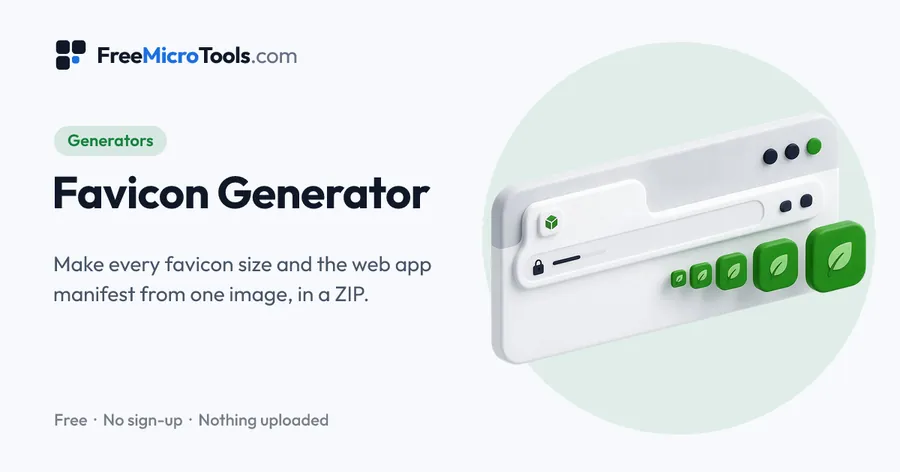
Drop in a PNG (or SVG, JPG or WebP) and download a favicon.ico that holds three sizes, 16, 32 and 48 pixels, which is what browsers, bookmarks and Windows shortcuts expect. The tab previews show how it will look in a light and a dark browser before you save it. The Download favicon.ico only button gives the one file; the ZIP adds the PNG sizes, the Apple touch icon, the Android icons and the manifest if you want the full set. The image never leaves your browser.
How it works
PNG to ICO Converter is a web page that does its work on your own device. The file you choose is opened by your browser, changed there and saved from there; it is never sent to a server, so there is no copy of it anywhere to delete, no queue and no waiting for an upload. Most online tools of this kind send your file to their servers and work on it there, and many keep it for a while. This one does not. There is no account, no watermark and no limit on how often you use it, and the result downloads the moment it is ready.
What an ICO holds
An ICO is a container: one file, several images at different sizes. A browser picks the size it needs, so a proper favicon.ico holds at least 16 and 32 pixels, and 48 for Windows shortcuts. An ICO made from a single large image looks blurred in the tab, because the browser has to shrink it on the fly.
Questions
Can I convert a JPG to ICO?
Yes, the same way. A JPG has no transparency, so its background is kept; add padding or a matching background colour if the mark needs room.
Other shortcuts
More
More generators
See all →
UUID Generator
GeneratorsUUIDs of version 4, 7 or 5, one or a thousand, in the format your code wants.

Online Signature Generator
GeneratorsDraw, type or photograph your signature and download it as a transparent PNG.
Podcast Name Generator
GeneratorsA dozen podcast names at a time, built from what your show is about, in the tone you want.