
PDF to Google Sheets
Copy the transactions from a PDF statement and paste them into Google Sheets.
Works in your browser. Your statement never leaves your computer.
or drop them anywhere in this box
Bank and card statements saved from online banking. They never leave your computer.
PDF to Google Sheets at a glance
- Price
- Free
- Files uploaded
- None, it runs in your browser
- Sign-up
- Not needed
- Takes
- PDF statements with a text layer
- Gives
- CSV, Excel (.xlsx), or a copy for Google Sheets
- Checks
- Balance change against the totals
How to use PDF to Google Sheets
- Drop the statementPress Choose statement PDFs or drop one or more statements into the box. A locked statement asks for its password here; it stays on your device.
- Check the tableThe transactions appear with the totals and the balance check. Choose how dates and amounts should be written, and tick Swap debit and credit if the check says a column is the wrong way round.
- Download or copyPress Download CSV or Download Excel, or Copy for Google Sheets and paste into cell A1 of a sheet.
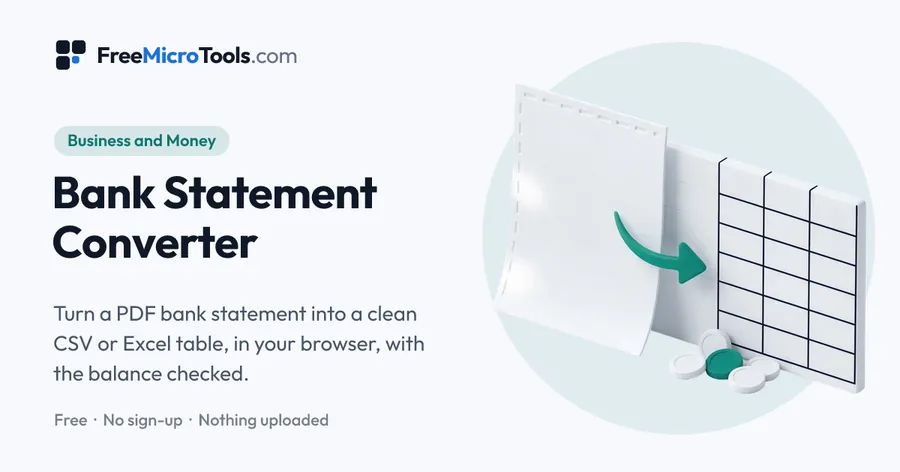
Drop the PDF statement, check the table and press Copy for Google Sheets. Open a sheet, click cell A1 and paste: every transaction lands in its own row with dates, descriptions and amounts in separate columns, ready to sum and sort. The PDF is read in your browser and never uploaded; only your own clipboard carries the table to Sheets.
How it works
PDF to Google Sheets is a web page that does its work on your own device. The file you choose is opened by your browser, changed there and saved from there; it is never sent to a server, so there is no copy of it anywhere to delete, no queue and no waiting for an upload. Most online tools of this kind send your file to their servers and work on it there, and many keep it for a while. This one does not. There is no account, no watermark and no limit on how often you use it, and the result downloads the moment it is ready.
Why copy rather than upload
Google Sheets can import a CSV, but copying skips the import dialogue and the file altogether. If you prefer a file, Download CSV and use File → Import in Sheets, choosing Replace current sheet.
Questions
Can Google Sheets open a PDF directly?
No. Sheets reads spreadsheets and CSV, not PDF. This tool reads the PDF in your browser and gives you the rows to paste or a CSV to import.
Other shortcuts
Bank Statement Converter · Bank Statement to CSV · Bank Statement to Excel
More
More business and money
See all →
GST Invoice Generator
Business and MoneyMake a GST tax invoice with the tax worked out, and download it as a PDF.

Invoice Generator
Business and MoneyFill in a form, see the invoice as you type, and download it as a clean PDF.
Business Plan Template
Business and MoneyA guided business plan you fill in online, then download as Word or PDF.